Check the obvious settings first.
Make sure Screen Time is enabled, the app is included in the limit, Share Across Devices is set the way you expect, and the passcode is not too easy to bypass.
If the issue is notifications rather than app access, pair Screen Time with Focus modes so the app is quieter even before the limit appears.
Understand the real failure mode.
Many Screen Time problems are behavioral rather than technical. The limit appears, you tap through, and the app is open again. That does not mean you failed. It means the limit did not create enough friction.
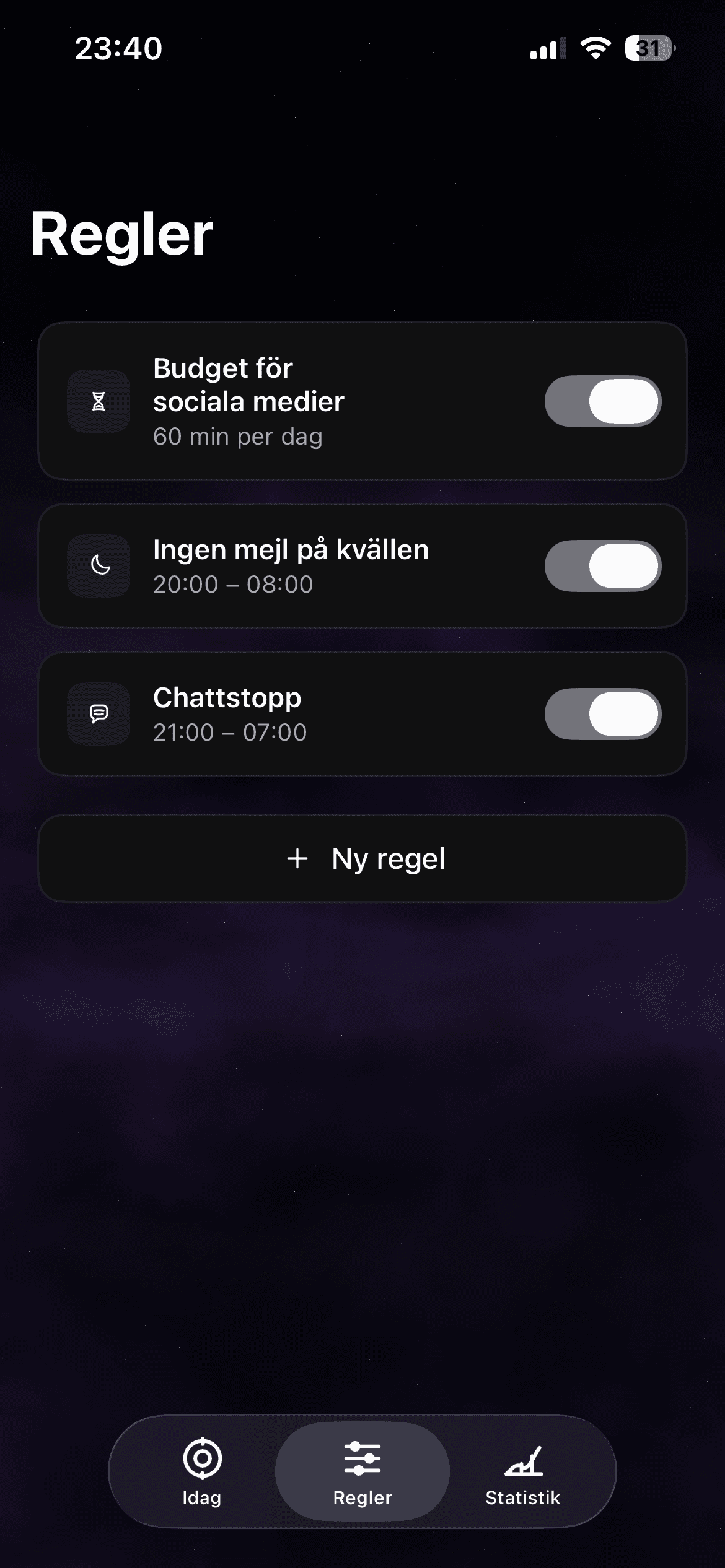
haegr is designed for that gap: the moment where you know what you intended, but the phone still makes the distracting path too easy.
Build a layered boundary.
Use Screen Time for broad limits, Focus for notification quiet, and app blocking rules for the hours where you need stronger protection.
Start with one repeatable window. A reliable evening rule or work block is more useful than a complicated setup you stop using after two days.
Why can I ignore my Screen Time limit?
Some Screen Time limits are easy to override by design. If you need a stronger boundary, use stricter settings and pair them with app blocking rules for vulnerable hours.
Is haegr a replacement for Screen Time?
haegr complements Screen Time by focusing on practical rules and protected sessions around the apps and moments that usually break your intention.
Download haegr on the App Store
Make the limit harder to ignore.
Download haegr and add calm app rules to the moments where Screen Time alone is not enough.
Download